Tags
Tag contacts by any criterion you like, to filter, segment and build audiences.
Tag your contacts by whatever you decide: interest, city, source, state. The whole workspace uses the same tags.
What they are for
- Filter the contact list.
- Define a segment, and with it the audience of a broadcast.
- Group the segments report.
When NOT to use a tag
If what you need is to store a value (a city, a date, a number), use a custom field. A tag answers "yes or no"; a field stores "what".
Applying and removing
Tag a contact by typing in the picker on their record. Type a name that does not exist and Wrap offers to create it there.
Select several contacts and use Add tags or Remove tags to work in bulk.
Managing
Create, rename, recolour, archive and restore your tags under Settings → Tags.
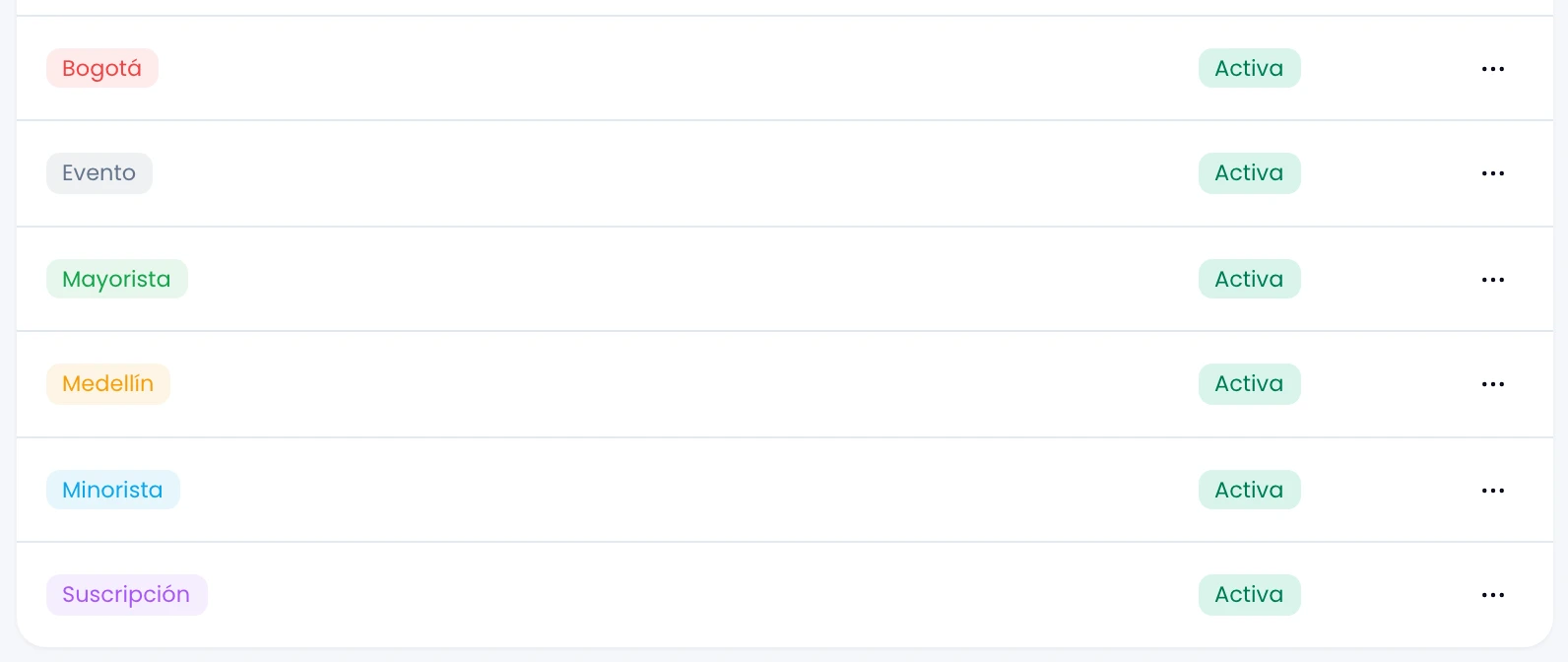
Creating a tag is day-to-day work: do it inline from a contact record whenever one is missing.
If you cannot open Settings → Tags, ask a workspace admin to rename, recolour or archive the tag.
Archiving and restoring
Archive a tag you no longer use and Wrap stops offering it when tagging.
- An archived tag stays on the contacts that already carry it and still shows in past reports.
- Restore it any time from Settings → Tags.
The segments report still groups by archived tags.