A contact's record
Everything you know about a person, across three tabs, with the full history.
Open the record from the list or from a conversation and get everything you know about that person in front of you. Each record has an address of its own, so you share it by link.
The record carries three tabs: Details, Notes & activity and Follow-ups. Notes and activity go together, in one timeline.
Change the lifecycle stage and the source without opening a form: you have them beside the name and the tags, in sight across all three tabs.
Details
Keep here what you know about the person:
- First name, last name and job title.
- Owner and company.
- Language and time zone.
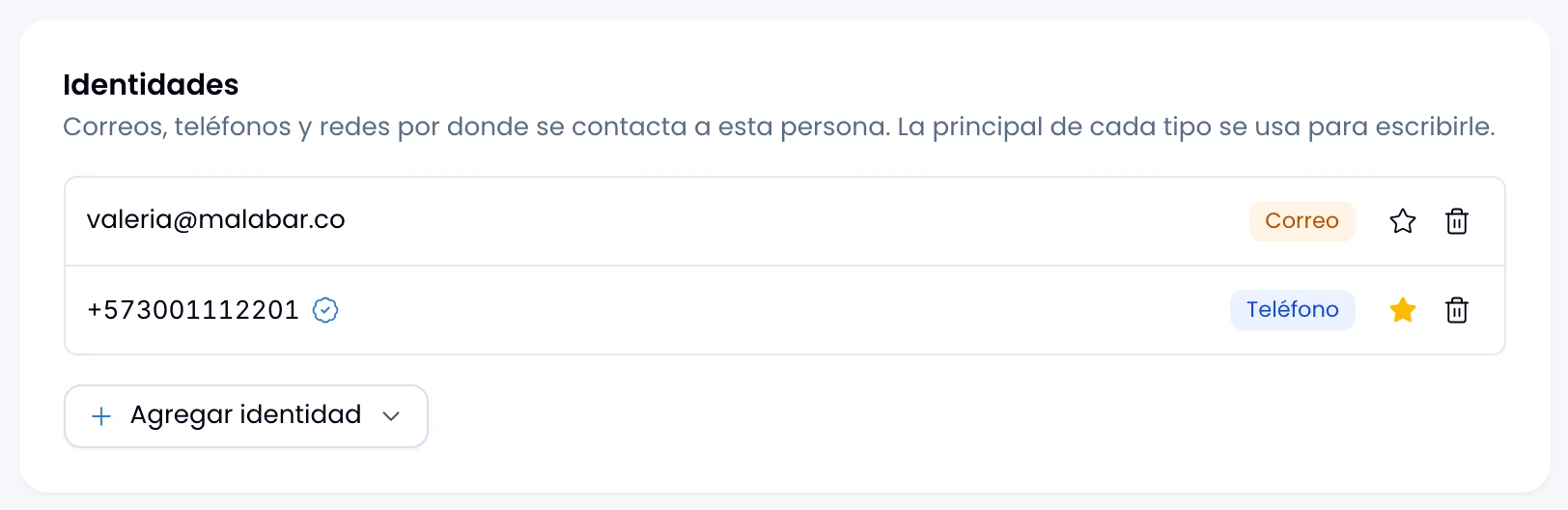
- The identities: emails, phone numbers, Instagram accounts and external handles. See Identities.
- The workspace's custom fields.
- Privacy: whether they authorised marketing, when and through what, with the button that copies their opt-in link. See Consent.
Pick the source from manual, web form, CSV import, referral, phone, email, event, WhatsApp, Instagram or other. When the person writes to you on a channel, Wrap sets it on its own. It is what the contacts-by-source report later splits them by.
Notes and activity
Open the tab and you start on Notes only, what the team wrote about this person. Switch to Everything for the full timeline:
- Messages sent and received, with their channel.
- Team notes.
- Stage, value and owner changes on their deals.
- Marketing consent granted or withdrawn.
- Merges with other contacts.
- Links to Flow partners.
Write notes for the team with what the customer never sees: agreements, preferences, warnings. Pin them to the top so they do not get lost, and under Everything you read them interleaved with what happened.
Follow-ups
Create the follow-up to come back to this person here, and check the ones already pending. See Follow-ups.
Quick actions
Call, send an SMS, write an email or open WhatsApp from the record's header. On the last two you choose first whether the conversation goes inside Wrap or out to your own app: what you write in Wrap stays in the history, what you send outside does not.
Merge with another contact, archive or delete from the three-dot menu.
