A day in the inbox
Work a conversation from end to end, from arriving to closed.
Work your inbox in six steps, from the message arriving to the conversation closed. Each step links to the page that details it.
1. Open on what is urgent
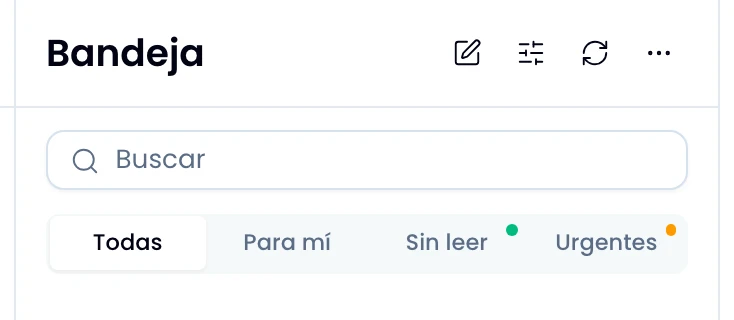
Start with Urgent. There you have what is about to expire, in the last quarter of its window, and what already has. Then go to Mine.
2. Deal out what has no owner
Assign every conversation with no owner: an unassigned conversation is nobody's. Assigning it shares out the work and grants visibility to whoever receives it, even if they cannot see the channel.
If the channel has a rotation, this is already done. If not, assign from the Participants button.
If you do not see the Participants button, ask an admin of your workspace to hand the conversation out.
3. See who they are before replying
Click the header avatar and read their summary panel: who they are, their details, their open deals. If you need more, press Open the full record and you reach the whole history.
4. Reply
Send a saved reply if it is a common question. Ask for a suggestion if you want a draft. Write it yourself if the case is its own.
Check the window counter before you write. If it is closed, send a template.

5. Leave the record
Write down what happened, because what is not written down does not exist:
- Write a note if you agreed something the next person should know.
- Create a follow-up if somebody has to come back in a few days.
- Create a deal if this could end in a sale.
- Save the email or phone the customer just wrote from the Suggestions panel.
6. Close or snooze
Take each conversation off your list the way that fits:
- Close if it is finished. A customer message reopens it.
- Snooze if you are waiting on something. It comes back on its own.
- Archive if it is not customer service but you want the history.
- Exclude if that thread has no business in Wrap.
At the end of the week
Check the reports to see whether the day to day is working: response times for speed, volume for load, and funnel for the money.