Response times
How long the team takes to first reply, and how often it misses the target.
Measure how long your team takes to give the first response to conversations opened in the period. Wrap does not measure the later messages: what matters to a customer who writes is how long it takes for somebody to answer them the first time.
The four figures at the top
Read the four together:
- Median first response. Of the conversations that got a reply, half were faster than this. More honest than an average, which one conversation forgotten for three days distorts.
- p90 first response. Ninety percent of the conversations that got a reply were faster than this. It is the bad-experience number.
- Within SLA. What share met the target.
- Conversations opened in the period, and how many of them the team answered. The difference is the ones nobody replied to.
The channel filter
Filter by channel to compare within one: an email and a WhatsApp do not carry the same response expectation.
The charts
Check Median by day: Wrap draws the target as a horizontal line, so you see at a glance which days ran over. It also flags the days with very little data, so you do not read a two-conversation day as a trend.
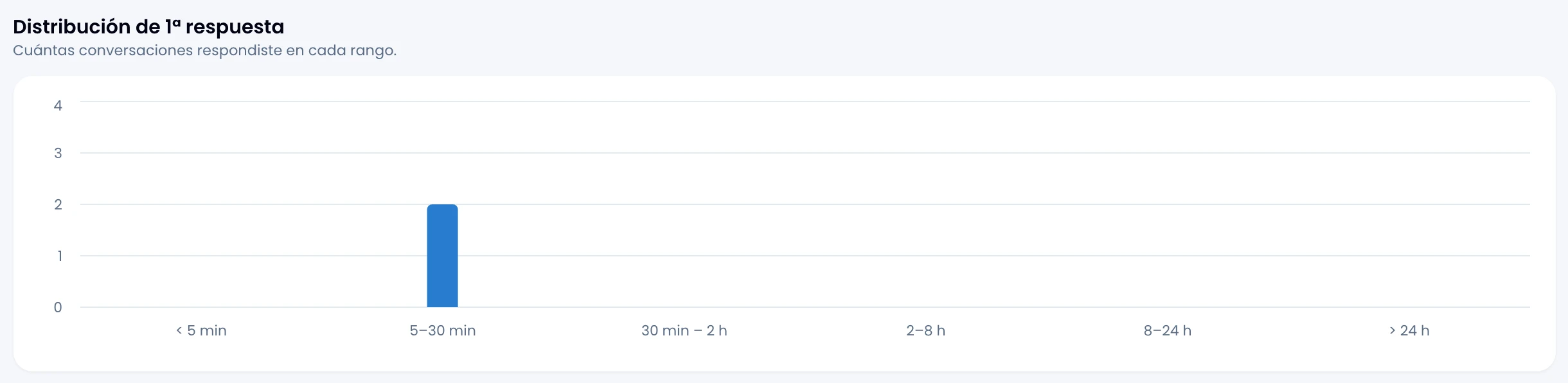
First-response distribution splits the answered conversations into six buckets:
< 5 min · 5–30 min · 30 min – 2 h · 2–8 h · 8–24 h · > 24 h
Look at the shape of the distribution before the median: two teams with the same median may or may not have a one-day tail.
The breach list
Go through the conversations that went past the target, with the contact, the channel, when it opened and how long it took. Each is marked late reply or never answered, which are not the same thing: one arrived badly, the other has not arrived.
Open any of them from the list.
If there is no target
Set the response target under Settings → Workspace. With no target there is no breach to measure.
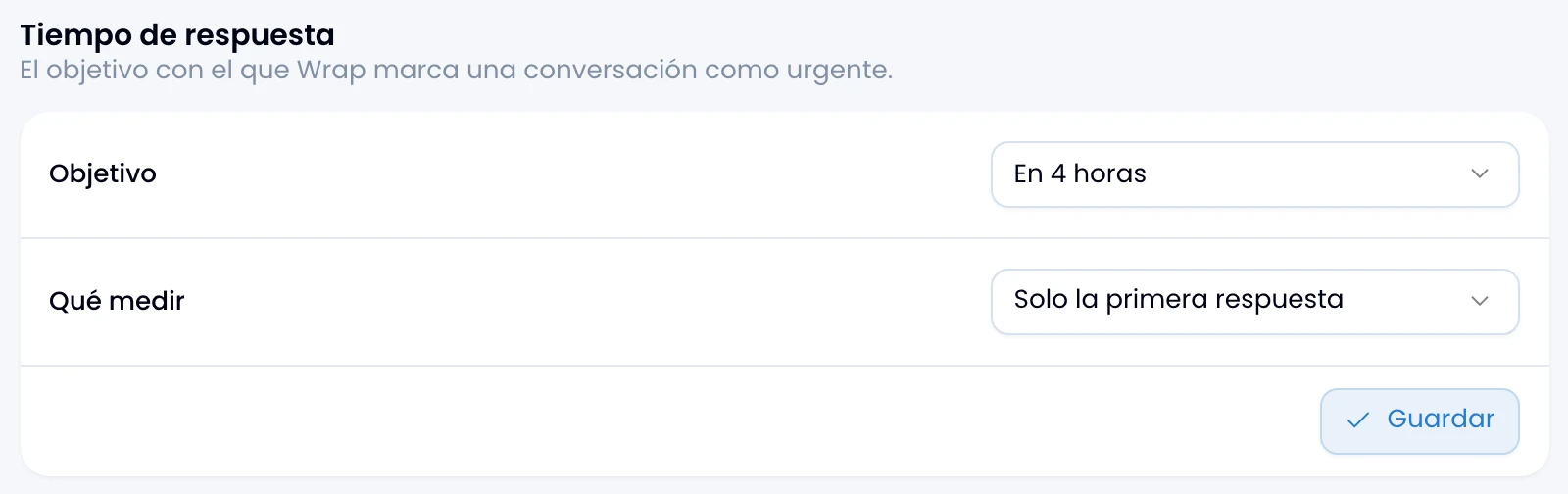
If you cannot open Settings → Workspace, ask a workspace admin to set the target.