Tasks
Create a task, assign it, and follow its progress until it is done.
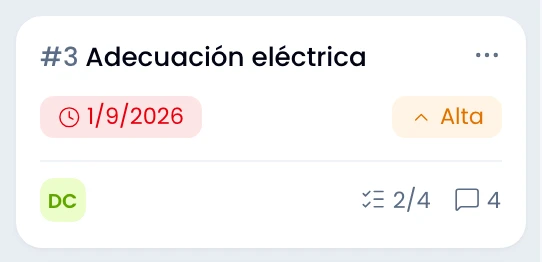
A task holds what needs doing, who does it, by when, and where it stands, all on one screen. It lives in a project and in a column.
Fields
Fill in the title and the project: those are a task's two required fields.
| Field | Detail |
|---|---|
| Title | What needs doing. Required. |
| Description | Details, context, links. Takes formatting. |
| Project | Where it lives. Required. |
| Column | Its state on the board. |
| Assignee | One person, from the project's members. |
| Priority | Low, medium or high. |
| Due date | A date. |
| Labels | For filtering on the board. |
The task page
Open a task in a panel or as a full page: each one has its own address.
Change column, priority, assignment, due date and labels from the summary column: pick a value and Swarm saves it, with no form in between. The created and updated dates, the Watch button and Related to sit there too.
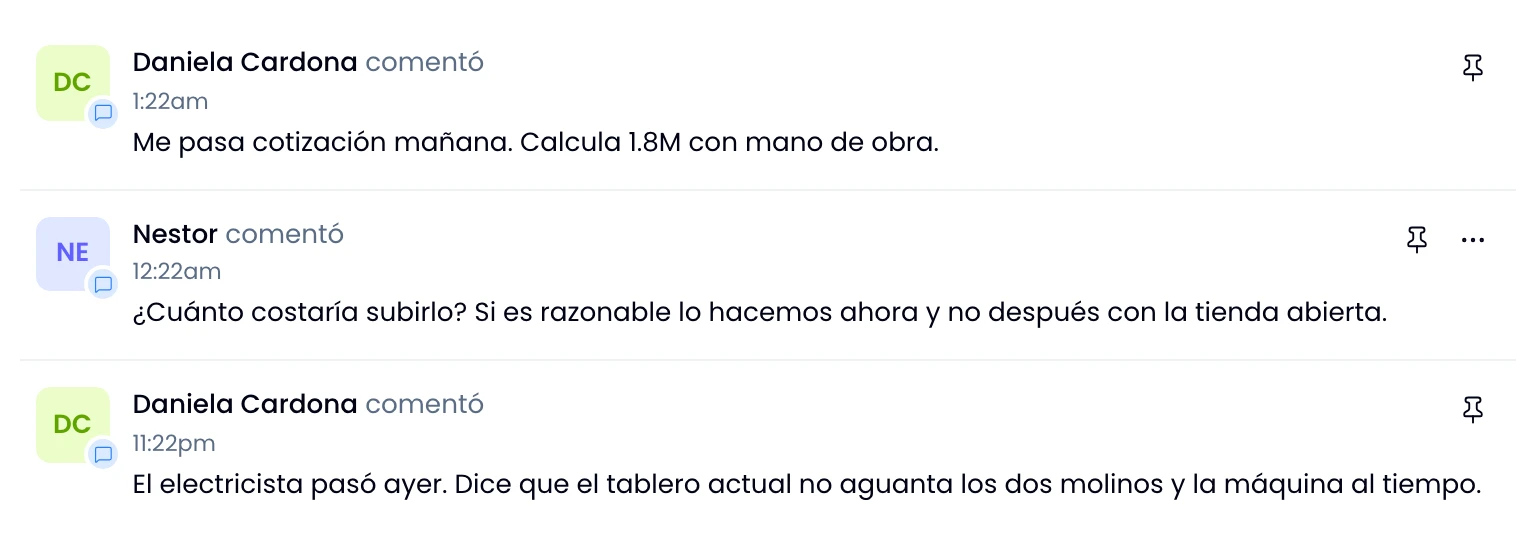
In the body you work on the description with its files, the checklists, and the comments alongside the activity.
Where it came from
Create a task from a message and the context travels with it. The summary marks it Created from, with the original message's reference. That message's text stays on as the description.
Six weeks later you get back to "why did we ask for this?" without remembering which channel it was said in.
Watching a task
Watch a task to get its comments and its column changes even when you are not the assignee. Watch says how many people follow it.
Swarm subscribes you the moment it assigns you the task. If you lose the task later, you stay subscribed and hear how it ends.
Completing and reopening
Complete a task from its board card, with the check button that appears on hover. Swarm moves the card into the done column, and reopening returns it to the first one.
Drag a card into the done column and it completes the same way. The column and the state always match.
Both moves are written into the activity.
Archiving and deleting
Archive a task to take it out of the active lists without losing it: you restore it whenever you want. Deleting is irreversible, which is why Swarm asks first.
You find both, along with Copy link and opening the full page, in the task's options menu.
The link
Use Copy link to take the task's permanent address with you. Paste it into a channel and it renders as a card with its status.
That link carries the workspace in it, so it opens the task for anyone on the team whichever workspace they were in. See Workspaces.