Export and import (ICS)
Downloading one event, subscribing your whole calendar from another app, and importing an .ics file.
Downloading one event
Download any event you organize with Download .ics, from the peek preview or from the editor. The file holds the whole event: if it repeats, it comes with its repeat rule and with the changes you made to single occurrences.
Subscribing to your whole calendar
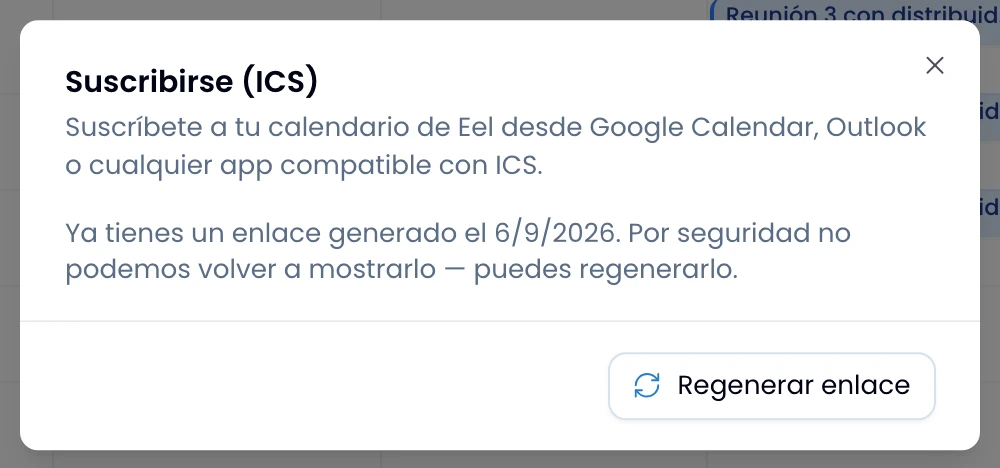
Take your Swarm calendar into another app: open More options › Subscribe and click Generate link. Swarm shows you the link once, with a copy button. Paste it into Google Calendar, Outlook, or any ICS-compatible app, and your calendar stays current there without you copying anything again. The link carries your events for the next twelve months.
Open the dialog later and you see the date you generated your link, not the link itself. Regenerate link creates a new one and warns that the old one stops working immediately.
Importing an .ics file
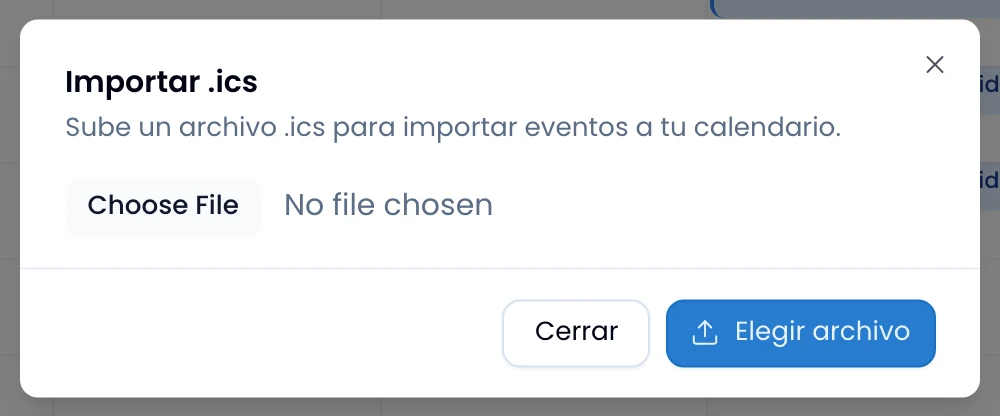
Bring events in from another app with More options › Import .ics, then choose the file. On upload, Swarm tells you how many events it created. Daily, weekly, monthly and yearly series come in as real series; any other repeat rule comes in as a single event, with a per-row warning. Swarm skips an event it cannot create and lists it too, with its reason.