Swarm home
Your tasks, your channels and a recap of yesterday, on one screen.
Start the day on Swarm's home: you see what happened while you were away and what is on you today. Swarm builds that panel for the first 30 seconds of the day.
Ask Swarm
Type your question in Ask Swarm and the assistant opens with it already running. Tap one of the two suggested questions to start without typing. See The assistant.
The card row
Take the measure of the day with three numbers, next to yesterday's recap:
| Card | What it counts |
|---|---|
| Open tasks | Assigned to you, not done |
| For today | Overdue or due today |
| Unread conversations | Channels and direct messages |
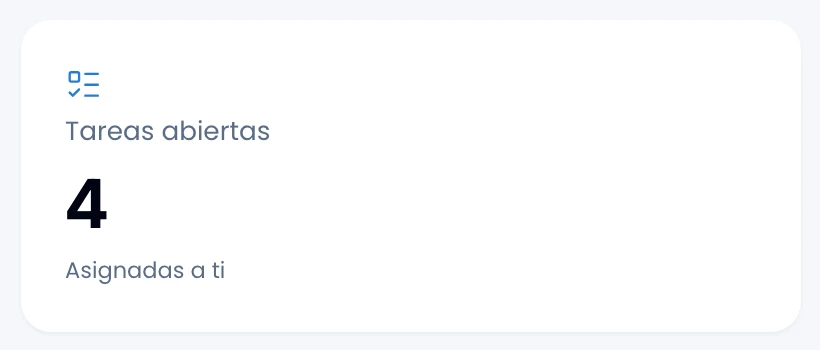
Open Open tasks or For today to reach My work pre-filtered, with the same number in front of you. Unread conversations counts channels and DMs together, and leads to no screen.
The AI narrates yesterday's recap in a line or two: how many messages you sent, how many mentions you got, how many tasks you were assigned and how many you completed, plus what moved in your channels. If AI is off that night, you still get the same facts counted out in a sentence.
You see the recap from the first one Swarm puts together for you.
Your channels
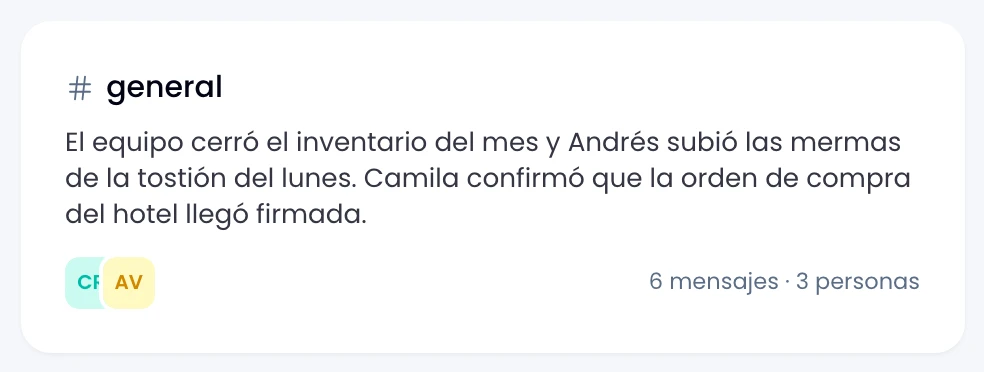
Catch up with up to five summaries of what was said yesterday, with how many people took part and who wrote.
Two things worth knowing:
- Swarm puts the digests together once a day, early in the morning. You only see the ones for channels you can read at that moment: taken out of a private channel at 9 and by 10 its digest is gone.
- A direct-message digest carries the names of the people who talked rather than a channel name, and only they can see it.
If nothing happened yesterday, Swarm shows you the most recent day that does have digests.
The order they appear in
Swarm ranks the channels by what falls to you, not by raw activity. It combines three things:
- How close what was said is to what you care about, inferred from where you have written.
- How much you take part in that channel over the last two weeks.
- How much the channel moved.
If one of the three does not apply, because you have never posted or because AI is off in the workspace, Swarm settles the order with the other two and that channel does not drop to the bottom.
Swarm breaks ties by name, so the order is stable between visits.
Your tasks
Pick your open tasks back up, most urgent first. With none open, create one from a project or from My work.
Recent activity
See what moved in the workspace: new tasks, completed tasks and new channels.
When a section will not load
If a section cannot load, Swarm tells you with a notice instead of leaving it blank. That way you tell "nothing happened" apart from "this could not be loaded", and a zero always means zero.