Ask Swarm
Questions about the workspace's tasks, channels and people.
Type your question in the Ask Swarm box on the home panel and you get an answer built from your workspace's data. Send it and Swarm opens the assistant panel, where the conversation lives. The box suggests two questions to start with, and the sidebar opens that same panel with more suggestions.
What it can read
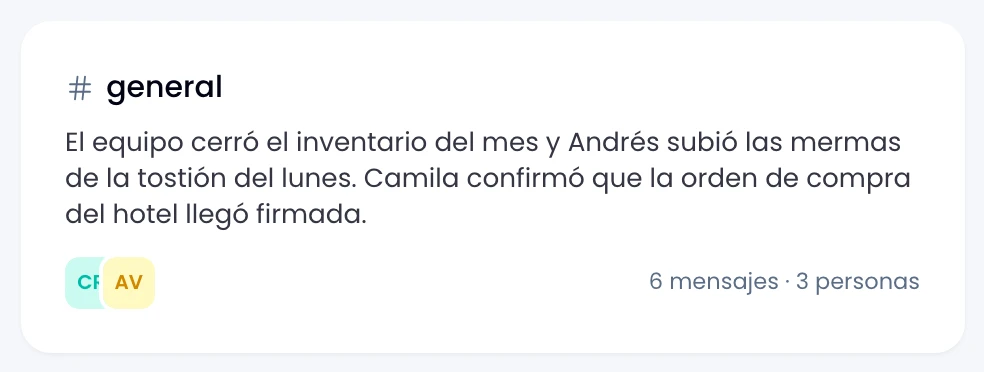
Ask it about your tasks, your projects and your channels, with the messages, checklists and comments they hold. It also answers about the workspace's people, recent activity, channel digests and who has written to you.
Start with one of the questions it suggests:
- What tasks do I have today?
- What happened yesterday in my channels?
- Who is online?
- What has been completed lately?
It proposes, you confirm
Ask Swarm to create a task or a project, to comment on a task or to post a message in a channel: it fills the fields and leaves you a card to confirm. Nothing is written until you confirm it. A channel message is proposed exactly as it will be published, and it goes out under your name.
Everything else is a read: asking changes nothing in the workspace.
Wrap proposes the same way from its own box. See Ask Wrap.
It sees yours, not the workspace's
Swarm answers about your view of the workspace: the channels and projects you belong to and your own direct messages. A private channel you are not in stays out of the answer, the same way it stays out of the sidebar.
The assistant is you asking, so it sees exactly what you would see by opening the app. Not one channel more.
Your exchanges with the assistant stay out of message search: what you ask it does not surface while you search for something from the team.
Memory
Keep the conversation going without repeating context: the assistant remembers recent turns in detail and older ones in summary. Clear the conversation with the button on the panel that explains that memory.
Clearing the conversation clears the panel's messages, not your data.
Accuracy and credits
Verify what matters: Swarm answers with the workspace's data as of when you ask, and it can be wrong. The box reminds you of that itself.
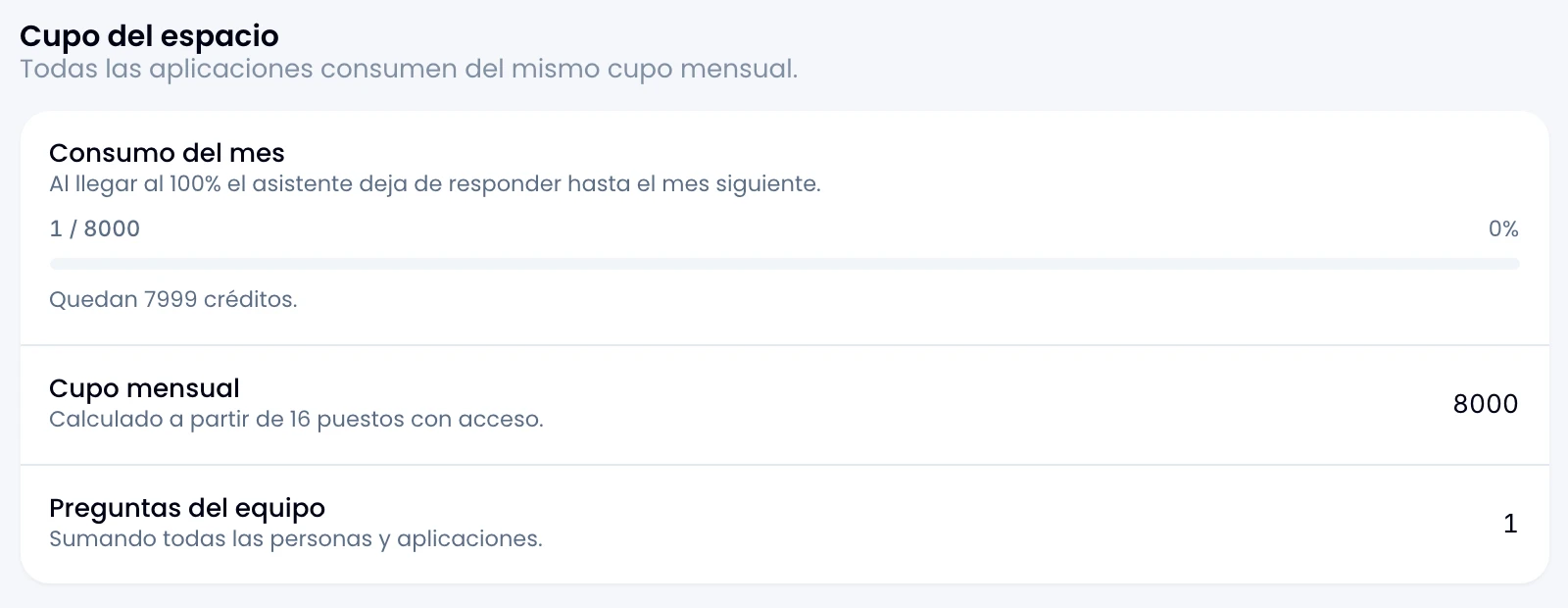
If Swarm does not answer, it tells you why: the month's credits are used up, you asked too many questions in a row, or AI is not configured in the workspace. After too many questions in a row, wait a moment and ask again.
Every question spends credits from the workspace pool. See AI usage.