When something does not work
Rule out access, the browser permission and WhatsApp's 24-hour window first.
Rule out three things before anything else, and in this order: access nobody granted, a permission the browser refused, or WhatsApp's 24-hour window. Nearly everything that looks broken is one of them.
"I cannot see an app in the rail"
Ask a workspace admin for access. They grant it from the Access and roles panel on your row, in Nest, by picking a role for that app.
Check the active workspace too: that app may live in another of your workspaces.

"It says I have no workspace"
Ask for an invitation. Your account exists and belongs to no workspace.
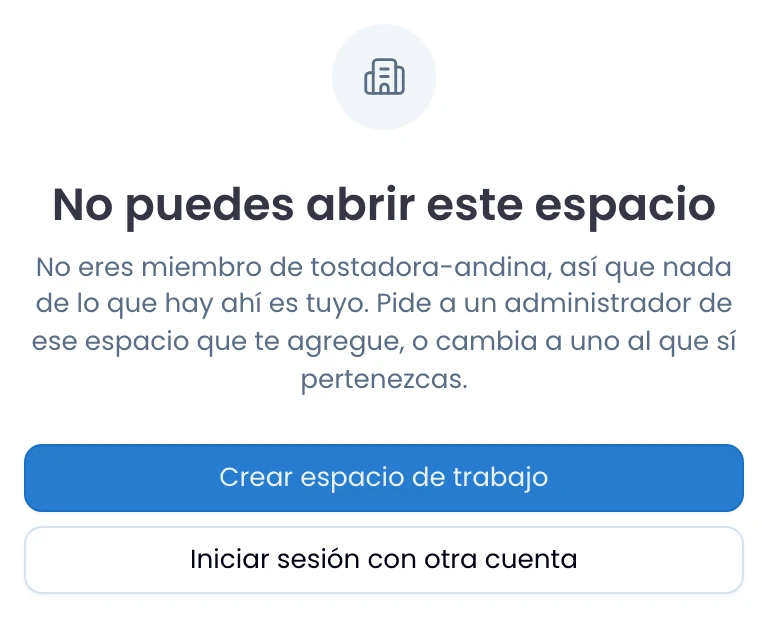
"A link says I can't open this workspace"
Read the reason on that screen. If it says you are not a member of that workspace, ask an admin there to add you: the link points at another team's data. If it says there is no workspace by that name, check the address with whoever sent it.
A suite link you saved without the /w/<workspace>/ segment opens nothing. Open
it from the app, with the workspace in place, and copy it again. See
Workspaces.
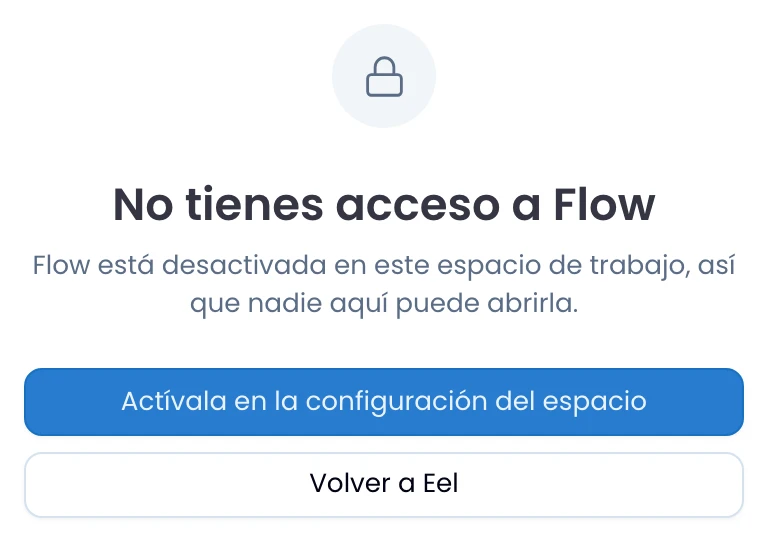
"An app tells me it is switched off"
That app is off for the whole workspace, not only for you. If you are an owner or an admin of the workspace, the same screen carries the button that turns it on, in the workspace settings. If you are not, ask one of them.
"Notifications are not reaching me"
Check three things, in this order:
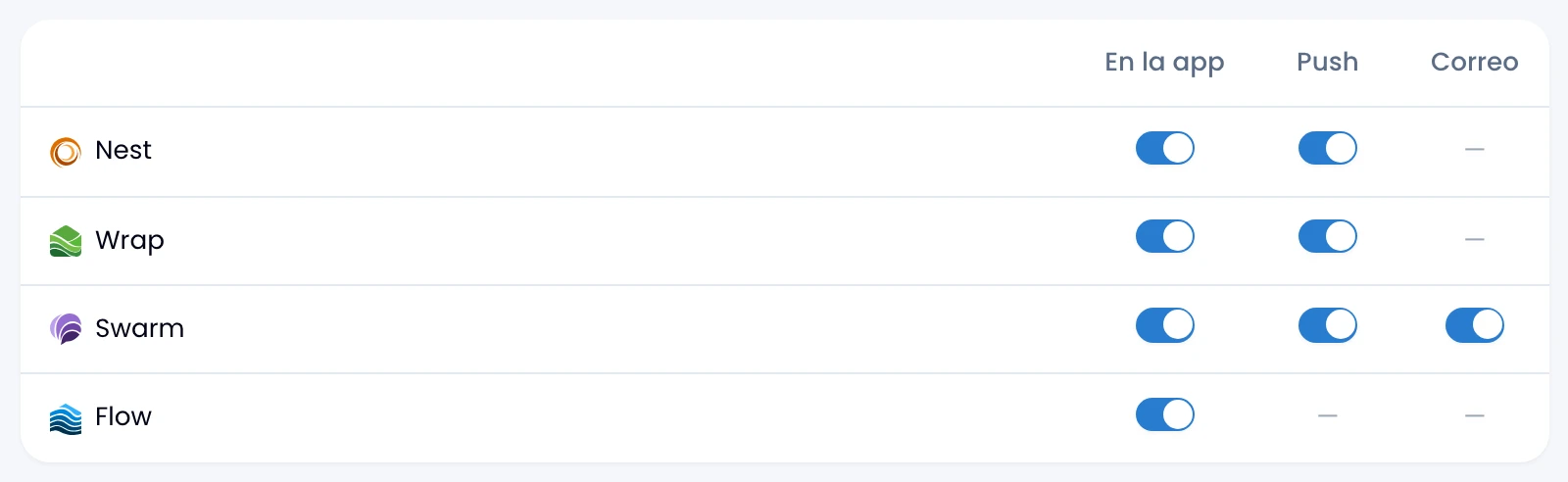
- The preferences. In Nest, Personal → Account, check that app has the channel you expect switched on. If you see a dash, that app does not send there.
- The browser permission. Push and desktop alerts need permission on each device. If you blocked it, the Alerts section of the app's settings tells you so.
- The open tab. Swarm does not push to your phone while it can see you have a live tab, because that tab already rings. Set yourself away by hand and the alert goes out to the phone.
"I cannot reply on WhatsApp"
Send an approved template: if the customer has not written to you in the last 24 hours, that is the only thing that goes out. This is WhatsApp's 24-hour window.
If the composer says the window is closed and it does not add up, check the time of the customer's last message, not yours.

"A broadcast paused itself"
Open the broadcast and read the reason Wrap gives. The three usual ones:
- Credentials: the channel's keys stopped working. Save the channel again and Wrap picks the sending back up.
- Quality red: Meta asks you to pause marketing from that number. Wrap retries it on its own.
- Rate limited: Meta is throttling you. Wrap resumes the sending on its own.
"A contact is duplicated"
Merge the pair from Possible duplicates. When a message or an edit spots two contacts sharing an email or a phone, a notice above the contacts list takes you there. A pair Wrap did not spot you merge by hand from the contact record.
"A tag disappeared from a report"
Archive tags rather than deleting them and your past reports stay readable. If somebody deleted that tag, it went from every contact.
"A card's link goes nowhere"
Reload the page first, because a card that was slow to load looks the same. If the card says no access, the record exists and is not yours: ask whoever holds it. If it says content deleted, that record is gone.
"Somebody cannot see a conversation I can"
Assign them the conversation: it is the fastest and cleanest way to give access to that one only. To understand why they cannot see it, walk the visibility ladder: Wrap admin, assignment, channel ownership, an explicit share, and finally the channel's mode.