Your profile and preferences
Display name, photo, language, time zone, theme and time format. All per person, not per workspace.
Update your profile once and the whole suite sees the change. Change your photo and it changes in Wrap, in Swarm, and in the message history you already wrote.
Profile
Fill in your profile so teammates know who they are mentioning and what time it is where you are.
| Field | What it is for |
|---|---|
| Display name | How others see you in mentions, assignments and messages. |
| Photo | Your avatar. Crop it on upload, or pull the one from Google. |
| Bio | A line about you, seen when someone opens your profile from a mention. |
| Time zone | Your local time, the one teammates read before they ping you. |
Edit your email and your language under Personal → Account. On your profile you only read them, in the summary card beside the form.
Your time zone does a second, quieter job: reminders you set for tomorrow or
next week land at your actual morning. Pick a region (America/Bogota, for
instance) rather than an hour offset, so a daylight-saving change does not move
your reminders.
Account
Open Personal → Account to change how you sign in and how the suite looks:
- The email you sign in with.
- The password.
- The interface: theme (light, dark or follow the system), language and time format, which decides whether you see
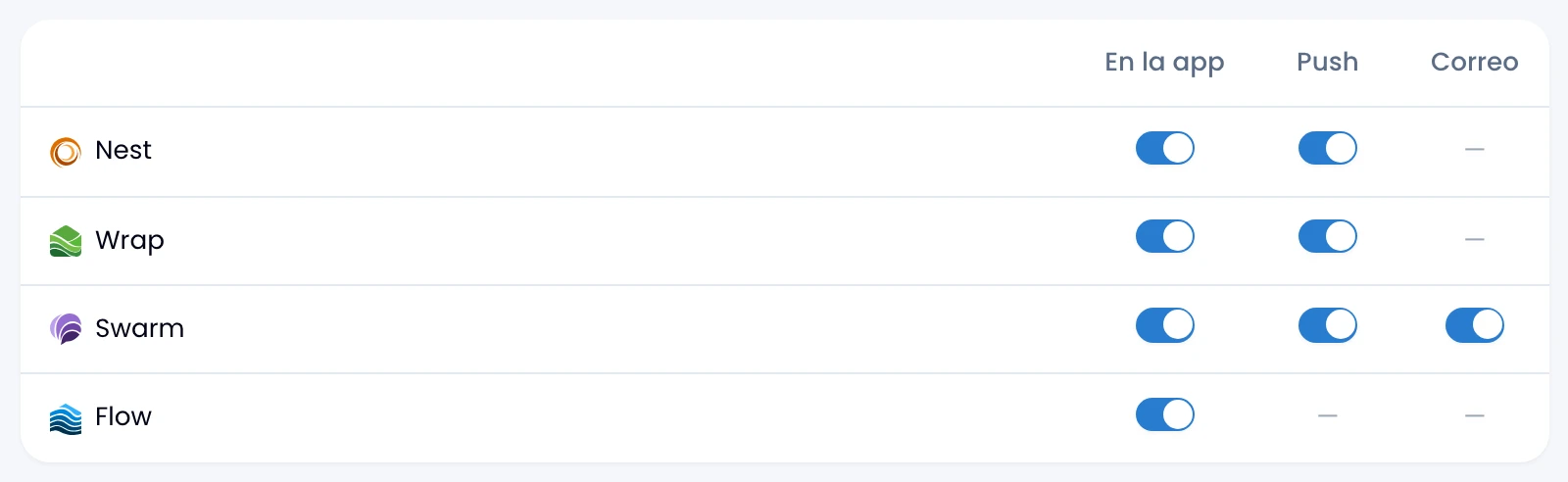
1:00pmor13:00across the suite. Change the theme from the user menu too. - Notification preferences, per app and per channel.
See Account.
Security
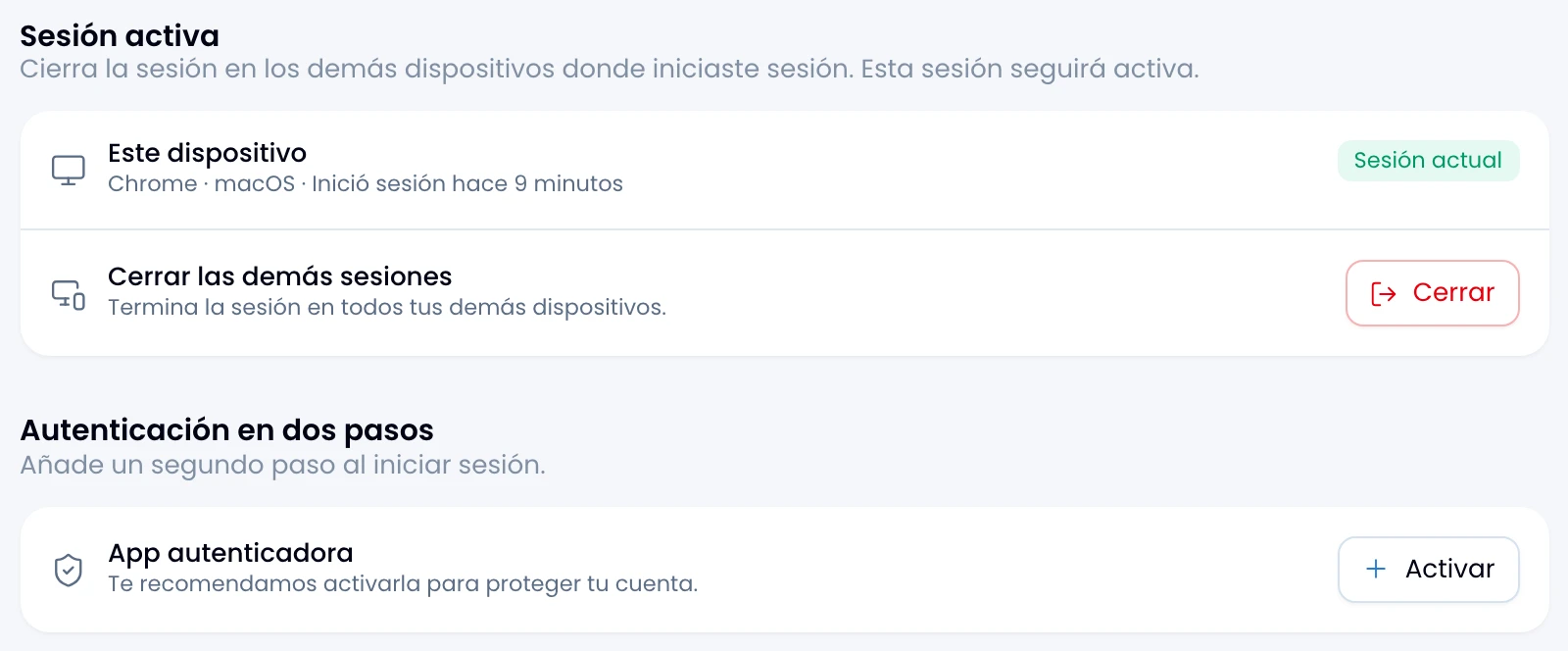
Turn on two-step verification and manage your recovery codes under Personal → Security. See Security.