Signing in
Sign in with email and password or with Google, clear two-step verification, and recover your password.
Sign in once and you are inside every app. Every authentication screen lives on
auth.eel.software, whichever app you came from.
The two ways in
Sign in with your email and password, or with your Google account.
Email and password. When something is wrong the message does not say which of the two fields failed: telling them apart would confirm to a stranger that the address has an account here.
Google. Tap the button and you are in with your account. The first time, Google brings your profile photo across, so it is already in place.
Two-step verification
If you have two-step verification on, type a code after the password. Two of them work, and they are not equivalent:
- The six-digit code from your authenticator app. The normal path.
- A recovery code, if you lost the phone. Using one removes your authenticator app and spends the whole batch of codes, so once inside you have to set a new app up from Security. It is the emergency exit, not a second method.
If Eel cannot verify your account's security configuration, it does not let you in. Try again from that same screen.
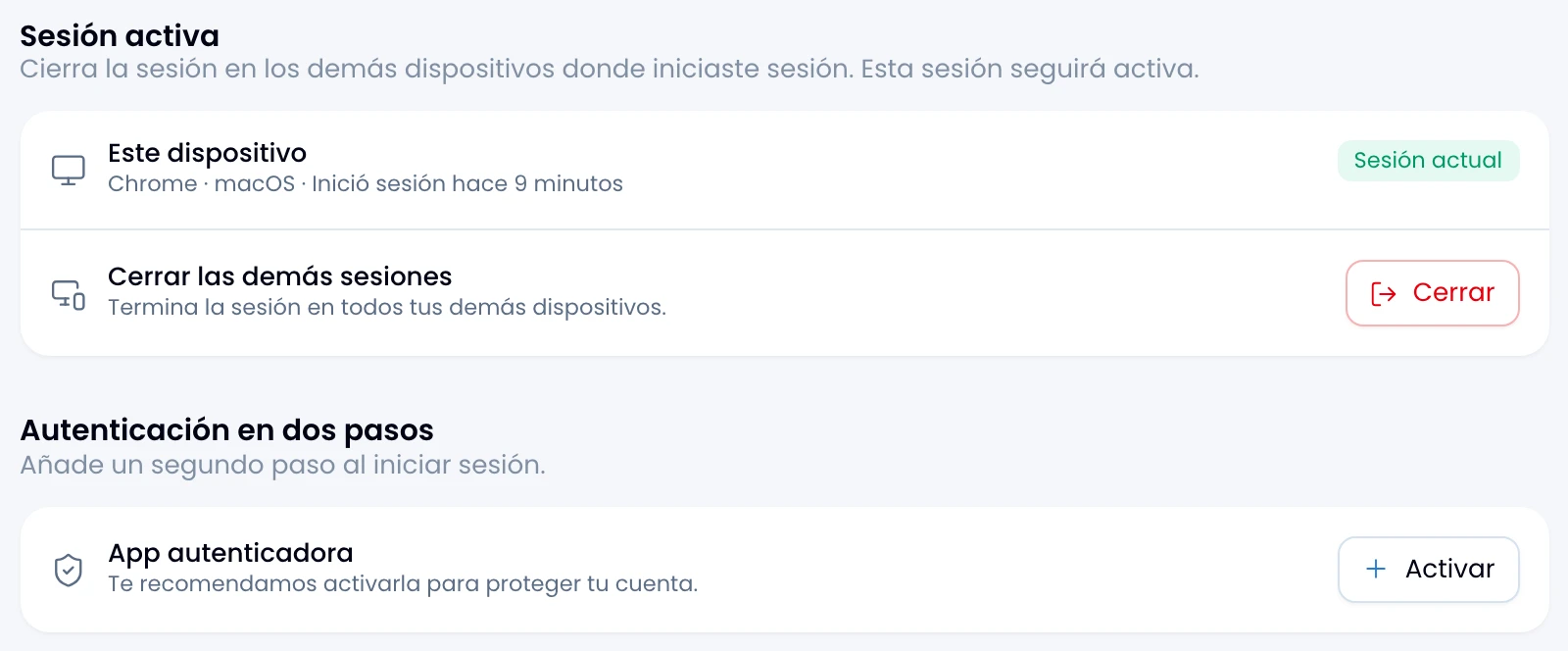
Turn it on under Security.
Sign-up and captcha
Sign up, sign in or ask for a new password without solving anything: an invisible captcha protects those three screens.
If a notice says the captcha is unavailable, wait a moment and try again. It is a service problem, not your credentials.
Recovering a password
Ask for a link from Forgot password? and it reaches you by email. The link works once and expires; if it arrives late or you already used it, ask for another from the same screen.
Type a new password of at least 8 characters. Saving it leaves you already signed in, with no second sign-in.
Where you can get stuck
Four screens stop you before you reach an app. This is how you clear each one:
| Screen | What it means |
|---|---|
| Complete your profile | Your account exists and has no display name. Type it and you move on. |
| No workspace | Your account belongs to no workspace. Ask for an invitation. |
| No app access | You belong to the workspace, and not to that app. Ask for app access. |
| Accept invitation | You arrived through an invitation link. Accept it to join the workspace. |