Workspace settings
Change the workspace's name, logo, time zone and base currency, and check the slug that never changes.
Who can use this? Workspace owners and admins. If you cannot see this screen, ask an owner to make the change.
Decide here what your workspace is called, and which hour and which currency the apps work in.
The logo
Upload the logo and crop it in a dialog, same as your profile photo. Your team sees it in the workspace switcher across the suite. Remove it whenever you like and the workspace falls back to its initials.
The basics
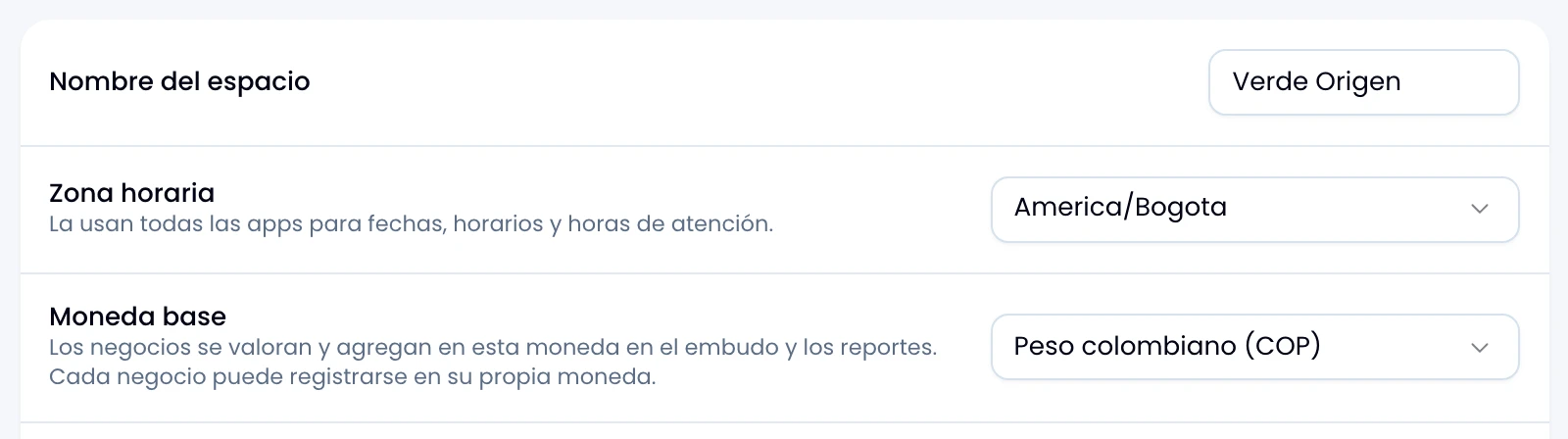
Set your workspace's name, time zone and base currency.
| Field | Detail |
|---|---|
| Name | Change it whenever you like: it is what the team sees. |
| Time zone | Pick it from the list of IANA zones. |
| Base currency | Colombian peso, dollar, euro or yuan. |
Save all three at once with the button at the foot of the card.
What the time zone decides
Pick the business's time zone, not yours: every app draws the boundaries of a day with it.
- Wrap cuts the days of its reports on this hour, so two people in different zones see the same report.
- Business hours and the out-of-hours auto-reply follow this hour.
- Response-time targets count on this hour.
What the base currency decides
Pick the currency you compare amounts in. Wrap records a deal in any of the four and totals the pipeline in this one.
Change it: the change does not rewrite what is recorded. Each deal keeps its original currency, its converted value and the rate it was converted at. See Currencies.
Apps
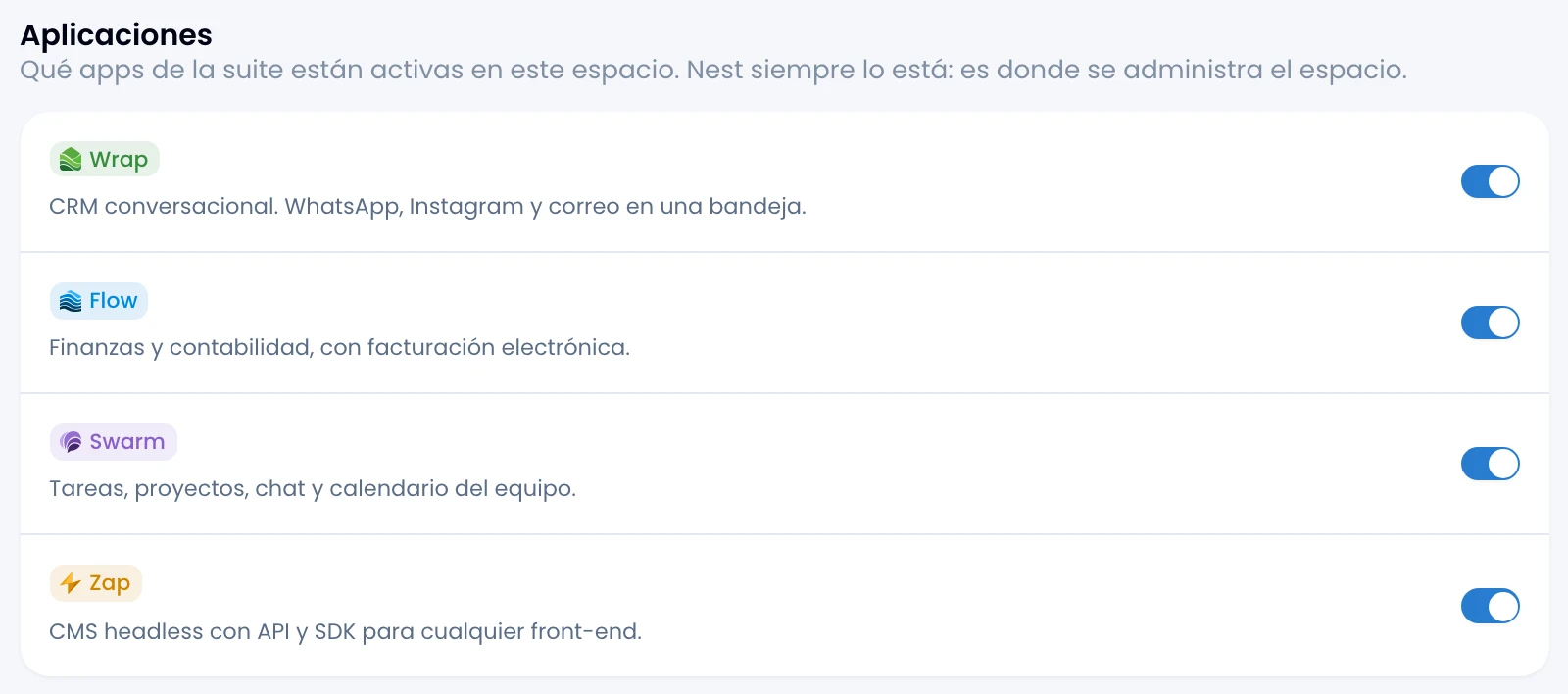
Decide which suite apps are on in this workspace, one row per app with its switch. The change saves as you flip it.
Turn one off and it leaves the app rail for the whole team, admins included; anyone who opens its address lands on the screen saying it is switched off, with the button that brings them back here. Nest is always on: it is where the workspace is managed.
Turn it back on and everything is where it was. Switching an app off deletes nothing inside it.
The workspace card
Check the three values fixed when the workspace was created. Nest does not let you edit them.
- URL identifier. It goes in the addresses and does not change.
- Default country. The starting value for addresses and formats.
- Created. When the workspace was born.